

Free tool · no sign-up
Email signature generator
Type your details, add a photo if you like, and copy a clean signature into Gmail or Outlook. Nothing you type leaves your browser.
More: pronouns, address, booking link, X, Instagram
Cut to a circle in your browser; it isn't uploaded.
Your signature
To: a client
Subject: Great to meet you
Best,
Jordan Lee Account Manager · Northwind |
Example. Type your name to make it yours.
Type your name first.
Then:
Gmail: Settings (gear) → See all settings → General → Signature → Create new. Paste, then Save Changes at the bottom of the page.
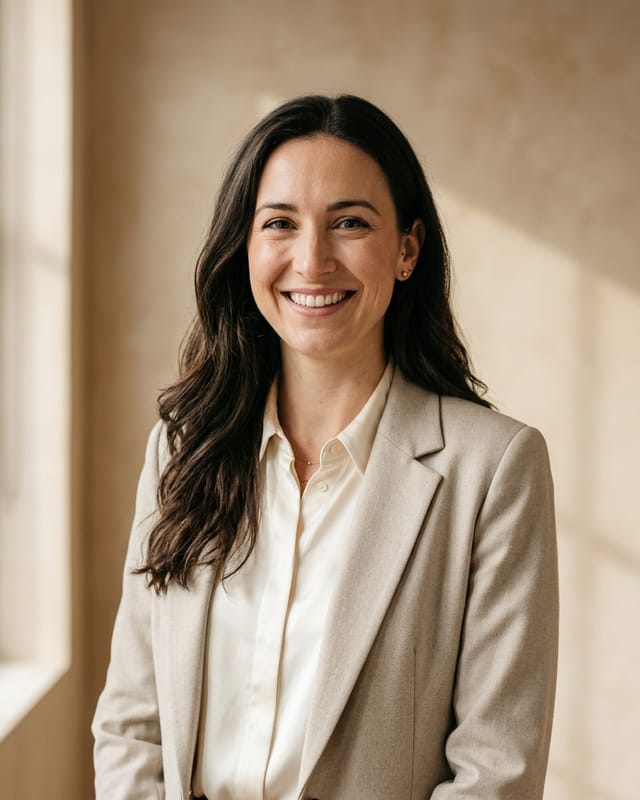
Need a photo that matches?
Proud Look turns a few everyday photos into professional headshots for your signature and LinkedIn, and shows you a free preview before you pay.Proud Look turns a few everyday photos into professional headshots for your signature and LinkedIn.
Example: a fictional person made with our AI.
See my free previewCreate my headshotsQuestions
Is my information saved anywhere?
No. The builder runs in your browser. What you type and your photo aren't sent to us. If you tick “Remember on this device”, they're kept in this browser only, so you can come back and edit; untick it to delete them.
Does it work with Gmail and Outlook?
Yes. The signature is a simple table with inline styles, the format email apps keep when you paste. Pick your app under “Copy for”, copy, and follow the steps shown. Gmail drops photos embedded in a pasted signature, so the Gmail copy leaves the photo out: add it afterwards with Gmail's image button, or give a link to your photo and it's included everywhere.
Can I add a booking link, social links or pronouns?
Yes. Open “More” under the main fields: pronouns, address, a booking link (it becomes a “Book a meeting” button in your color), X and Instagram. Empty fields are left out.
Can my whole team use the same design?
Yes. Pick the layout, color and font once and share this page; each person types their own details. Matching headshots make it look even more consistent.
Should I put a photo in my signature?
It's up to you. A small, clear headshot helps people put a face to your name, especially in sales, recruiting and client work. Use the same photo as on LinkedIn so you're easy to recognize.
Who made this?
Proud Look, a small US company that makes AI headshots from everyday photos. The builder is free and needs no account.